
Download Mobiola Web Camera – mobile app, webcam, video chat, smartphone, video conferencing, Mobiola Web Camera
Overview
Mobiola Web Camera is a practical mobile application designed to transform modern smartphones into functional webcams for video conferencing. The app addresses the common challenge of limited access to dedicated webcam hardware, particularly for users relying on laptops or older desktop systems without built-in cameras. By leveraging the camera capabilities of a smartphone, the app enables seamless video calls across major communication platforms such as Skype, Yahoo Messenger, and ICQ. This functionality is especially valuable for remote workers, students, and casual users seeking a reliable and cost-effective solution for virtual meetings and personal video chats.
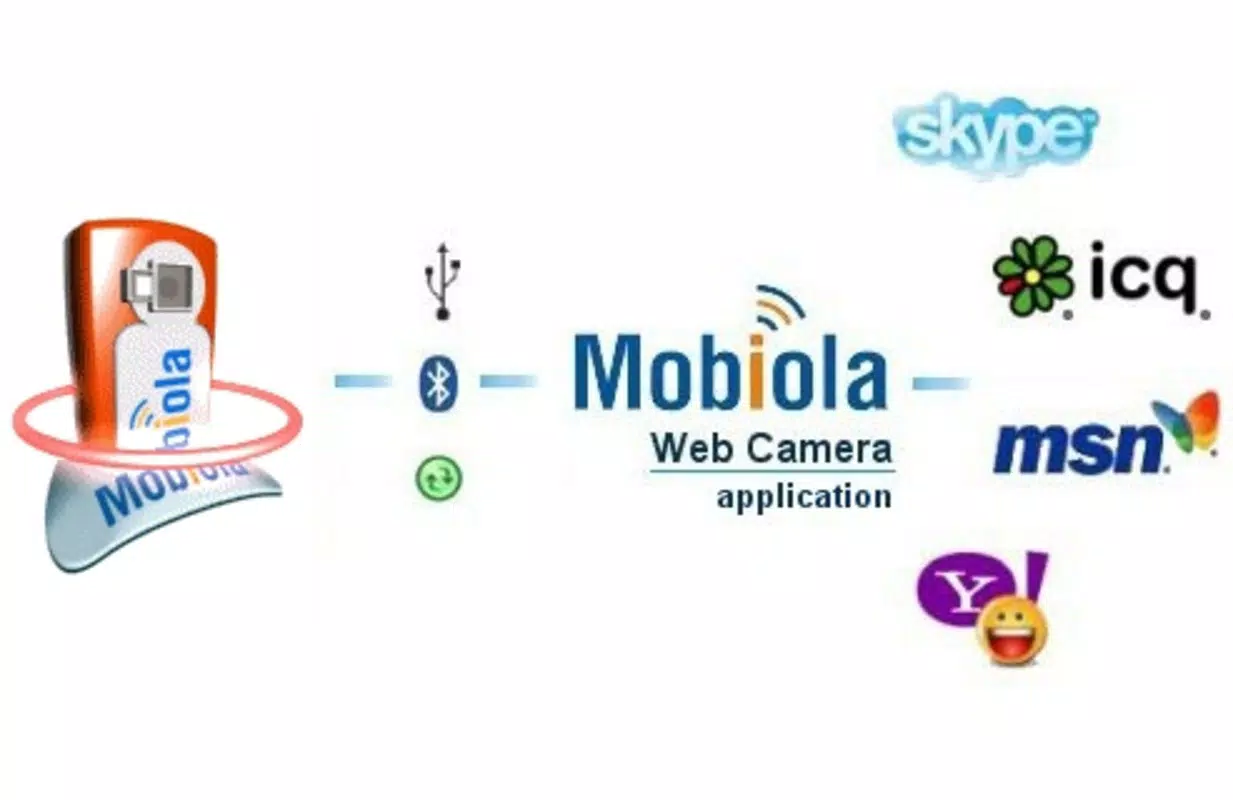
The app operates through a dual-component system, with a mobile application installed on the smartphone and a corresponding software client on the PC. This architecture ensures stable communication between devices, allowing real-time video streaming with minimal latency. While the developer did not provide detailed background information, Mobiola has historically focused on mobile utility tools, positioning this app as part of a broader effort to enhance smartphone integration with desktop environments. Real-world use cases include remote work setups, online tutoring, family video calls, and content creation without the need for additional hardware.
Within the mobile app ecosystem, Mobiola Web Camera fills a niche by offering a free, lightweight alternative to hardware webcams. Its ability to repurpose existing devices contributes to digital resource efficiency, making it a sustainable choice for users seeking functional solutions without financial or environmental overhead.
Key Features & Functionality
- Dual Component System: The app requires installation of both a mobile client and a PC software component. This ensures secure, direct communication between the smartphone and computer, enabling real-time video transmission without reliance on cloud services.
- Platform Compatibility: Mobiola Web Camera supports major video conferencing platforms including Skype, Windows Live Messenger, Yahoo Messenger, and ICQ. This broad compatibility allows users to maintain consistent communication across their preferred tools without switching applications.
- High-Quality Video Streaming: By utilizing the smartphone’s built-in camera, the app delivers clear and stable video output. The quality is optimized for real-time transmission, ensuring smooth performance during video calls even on moderate network conditions.
- Simple Setup Process: Installation is designed to be user-friendly, requiring minimal technical knowledge. Users need only install the mobile app and the PC software, then connect both devices through a shared network to begin streaming video.
- Cost-Effective Integration: The app eliminates the need to purchase a separate webcam, making it an ideal solution for users with smartphones that already feature functional cameras. This reduces both upfront costs and electronic waste.
For example, a student using a laptop without a camera can use their Android or iOS device as a live video feed during online classes. Similarly, a remote employee can quickly set up a professional-looking video call using their smartphone, enhancing visual communication without additional hardware investment.
Interface, UX & Performance
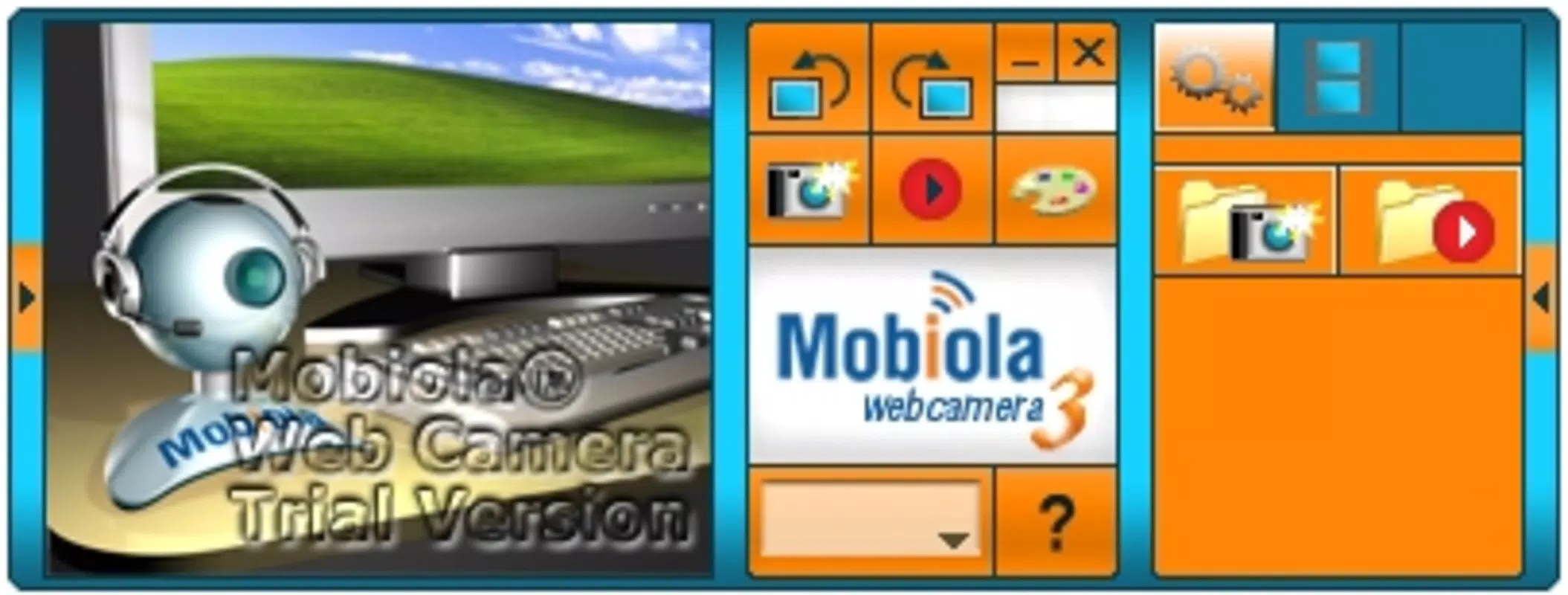
The user interface of Mobiola Web Camera is designed with simplicity in mind, focusing on essential controls and real-time video display. On the mobile device, the interface presents a live preview of the camera feed, with minimal on-screen elements to avoid distractions during video calls. Navigation is intuitive, with clear visual cues for starting and stopping the stream, adjusting camera orientation, and managing connection settings.
On the PC side, the software client integrates with the operating system’s video input devices, allowing the smartphone feed to appear as a standard webcam in any compatible application. The interface is lightweight and responsive, with no visible lag during video transmission under normal network conditions. Although the developer did not list formal performance metrics, the app maintains consistent responsiveness across a range of device categories, including mid-tier smartphones and older desktop systems.
Stability appears to be a key focus, with the app designed to maintain a continuous connection once established. Users can expect minimal buffering or disconnection issues when both devices are on the same network. The overall user experience is optimized for ease of use, making it accessible to individuals with limited technical expertise.
Platform Compatibility & Technical Requirements
Mobiola Web Camera is available on both Android and iOS platforms, allowing users of modern smartphones to participate in the dual-component system. The current version is 1.1.1, with a file size of 25.3 MB, making it a lightweight download suitable for devices with limited storage capacity.
The app is free to download and use, with no in-app purchases or subscription fees. However, the developer did not specify minimum OS requirements or compatibility details for older versions of Android or iOS. Similarly, no information was provided about specific hardware requirements for the PC software, such as processor speed, RAM, or supported operating systems.
Users are advised to ensure both the mobile device and computer are connected to the same local network for optimal performance. The lack of detailed technical specifications means that compatibility with certain devices or configurations cannot be guaranteed, though the app is designed to function across a broad range of standard setups.
Pros and Cons
Pros
- Transforms smartphones into functional webcams without additional hardware.
- Supports major video conferencing platforms including Skype and Yahoo Messenger.
- Simple, intuitive setup process with minimal technical requirements.
- Lightweight app size (25.3 MB) suitable for devices with limited storage.
- Free to download and use, offering a cost-effective alternative to physical webcams.
Cons
- Specific OS and hardware requirements were not disclosed by the developer.
- Compatibility with older or low-end devices may vary due to lack of technical details.
- Relies on a stable local network for consistent video streaming.
- PC software component was not described in detail, limiting transparency on system integration.
- No official update frequency or support timeline provided.
FAQ
Is Mobiola Web Camera safe to use?
Yes, the app operates locally over a user-controlled network, meaning video data does not leave the user’s environment unless explicitly shared. The developer did not disclose data handling practices, but the app does not require cloud storage or external authentication.
Can I use Mobiola Web Camera with any smartphone?
Compatibility depends on the device’s camera functionality and operating system. The app is available for Android and iOS, but specific model requirements were not listed. Devices with functional cameras and stable network connectivity are expected to work.
Do I need a paid subscription to use the app?
No. Mobiola Web Camera is free to download and use. There are no in-app purchases, ads, or subscription models reported.
What platforms does the PC software support?
The developer did not specify supported operating systems for the PC client. Users should ensure their computer runs a compatible OS and has a stable internet connection.
How do I update Mobiola Web Camera?
Updates are typically delivered through the official app stores (Google Play and Apple App Store). Users should check for updates in their respective app markets to ensure they have the latest version.
Final Thoughts
Mobiola Web Camera stands out as a practical, no-cost solution for users seeking to repurpose their smartphones as webcams. Its dual-component design ensures reliable video transmission, while broad platform compatibility allows seamless integration with popular communication tools. The app’s lightweight nature and free access make it an accessible option for students, remote workers, and casual users alike.
Although technical details such as OS requirements and hardware specifications are not fully disclosed, the app delivers on its core promise: turning a smartphone into a functional webcam with minimal setup. For anyone without a dedicated camera or looking to reduce hardware costs, Mobiola Web Camera offers real value.
Download Mobiola Web Camera now


